Title here
Summary here

You can view the available Marketplace Addons in the tab “Marketplace”.
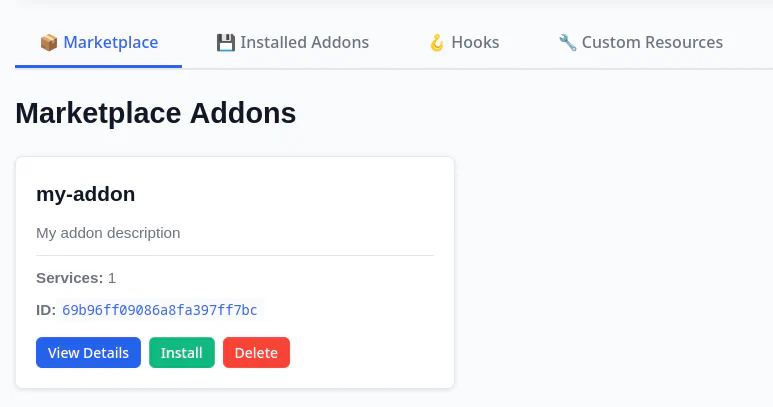
Installing an addon is as simple as pressing the button.
To install an addon, send a POST request to the addons engine - /api/v1/addons. The request body should have the following form:
{
  "marketplace_id": "{addon_marketplace_id}"
}The Addons Manager will:
You can view the status of the addon in the “Installed Addons” tab. While the addon is being pulled and started, it will show the status installing.
Once the addon is deployed it will switch to active
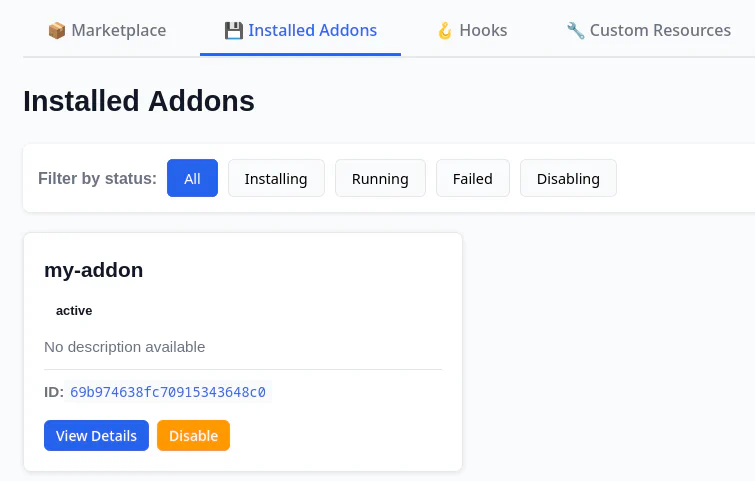
[GET] /api/v1/addons/{addons_id}To uninstall an addon, you must first disable it. One it has finished disabling you can select “Uninstall”.
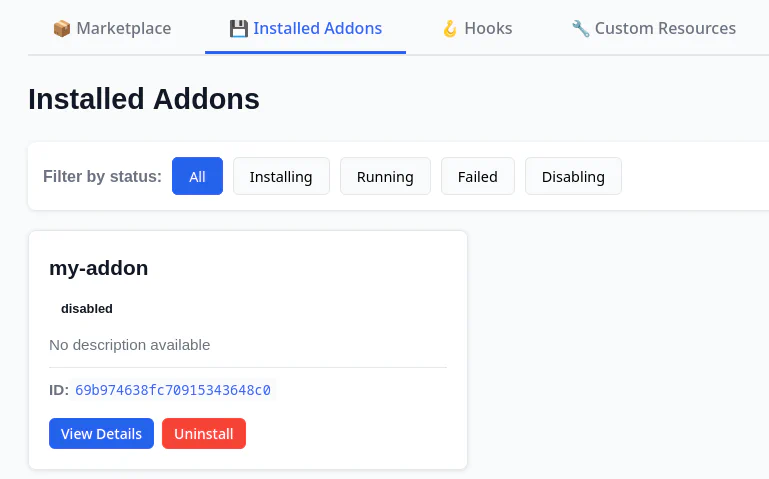
DELETE request to the addons manager - /api/v1/addons/{addons_id}