Title here
Summary here

Global Marketplace
Currently there isn’t a global marketplace for addons. Keep an eye our for this in future releases!
Package your code into a Docker image by creating a Dockerfile such as:
FROM python:3.9-alpine

RUN pip install -r requirements.txt
COPY . /addon

ENTRYPOINT ["python", "/addon/main.py"]
Build and push the Docker image to a container registry, such as Docker Hub:
docker build -t your-username/addon-name:latest .
docker push your-username/addon-name:latestDefine the addon configuration according to the following template:
{
  "name": "addon-name",
  "networks": [],
  "volumes": [{
    "name": "myvolume",
    "driver": "bridge"
  }],
  "services": [{
    "image": "your-username/addon-name:latest",
    "service_name": "my_service",
    "networks": [],
    "volumes": ["myvolume:/somevolume"],
    "ports": {"10007":"10007"}
  }]
}
Where:
To make the addon available for other in the Oakestra ecosystem, publish it to the addons marketplace by selecting “Add New Addon” and then filling out the form. Alternatively you can paste the raw JSON document.
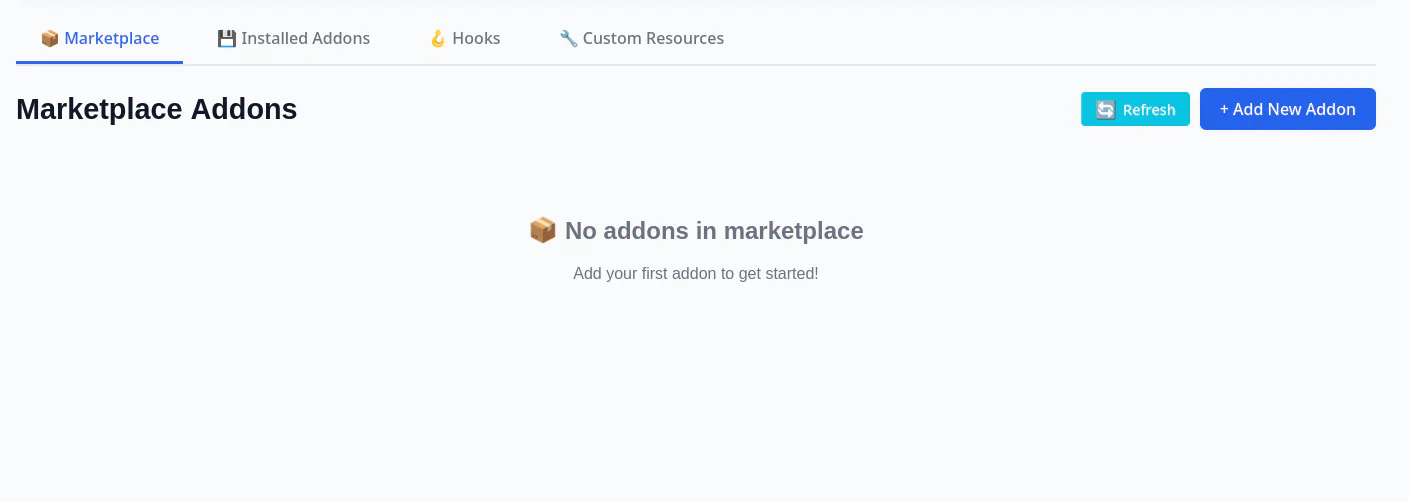
The addons marketplace will validate the descriptor. Once approved, the addon will be marked as approved and become available for installation.
POST request with the JSON descriptor to the addons marketplace API /api/v1/marketplace/addons.Plugins
To create a service that would replace a component inside Oakestra (i.e. a Plugin), the service name should match the name of that component.
For instance, to replace the scheduling component at the cluster the service would have to be called by its exact name cluster_scheduler.
Note the difference between a service and an addon, is that an addon may contain multiple services.