Title here
Summary here

In this wiki we’ll help you check if your Oakestra installation is up and running as you expected.
This is how you can check your clusters’ status.
Simply run:
oak cluster lsDid you know? You can install the Oakestra CLI on any machine and manage your Oakestra cluster remotely. Check our CLI wiki.
Reach your Oakestra Dashboard at http://<ROOT_ORCHESTRATOR_IP>, log in and click the Available Clusters section.
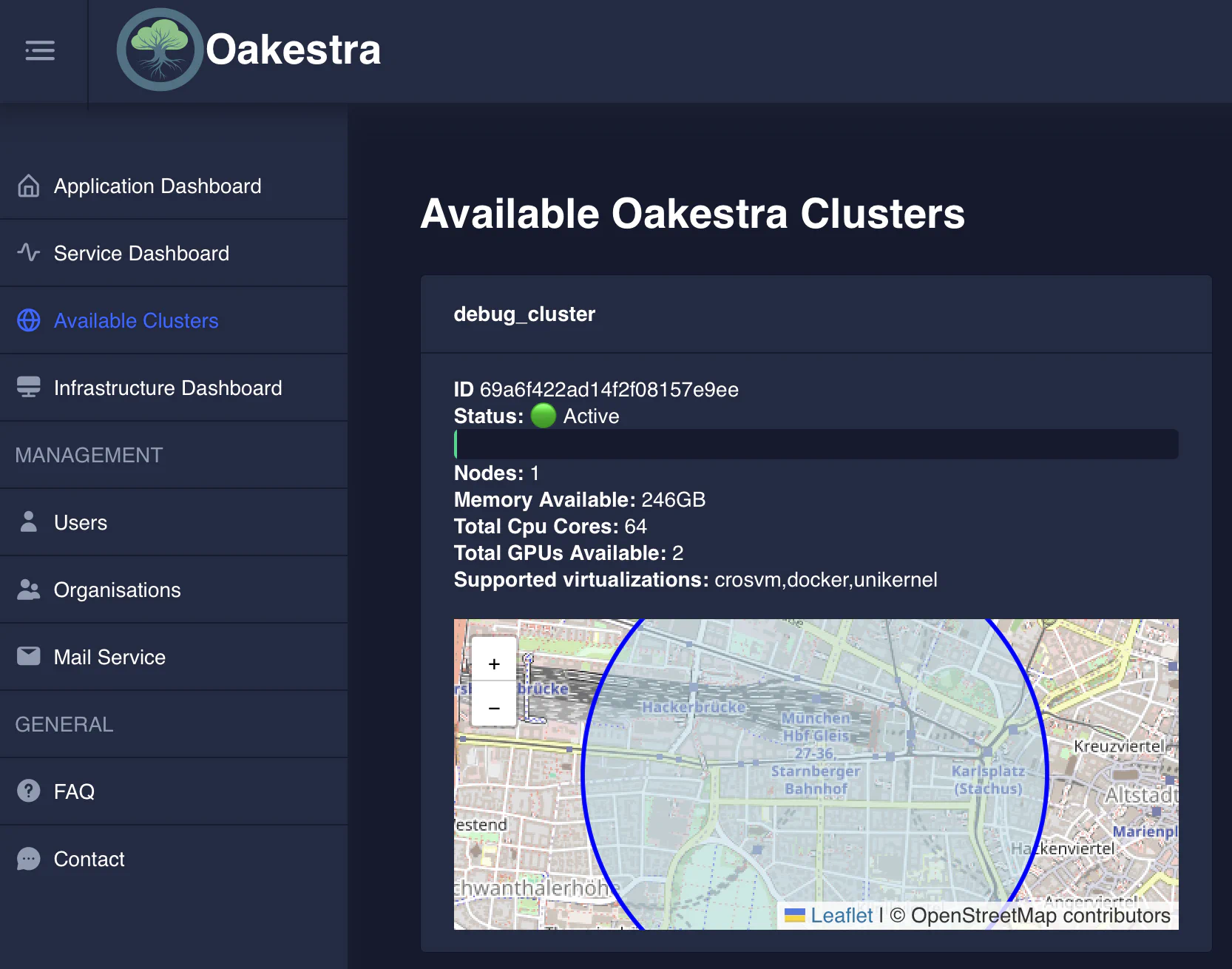
Either directly perform a GET request to: http://<ROOT_ORCHESTRATOR_IP>:10000/api/clusters
Or use the Swagger API documentation available at http://<ROOT_ORCHESTRATOR_IP>:10000/api/docs
Oakestra Addons
Check out addons for the Oakestra customization options!
You can check the status of your Oakestra components as follows:
Something is not working?
If something is not working, please check out our Troubleshooting Guide.